

User Management Made Effortless
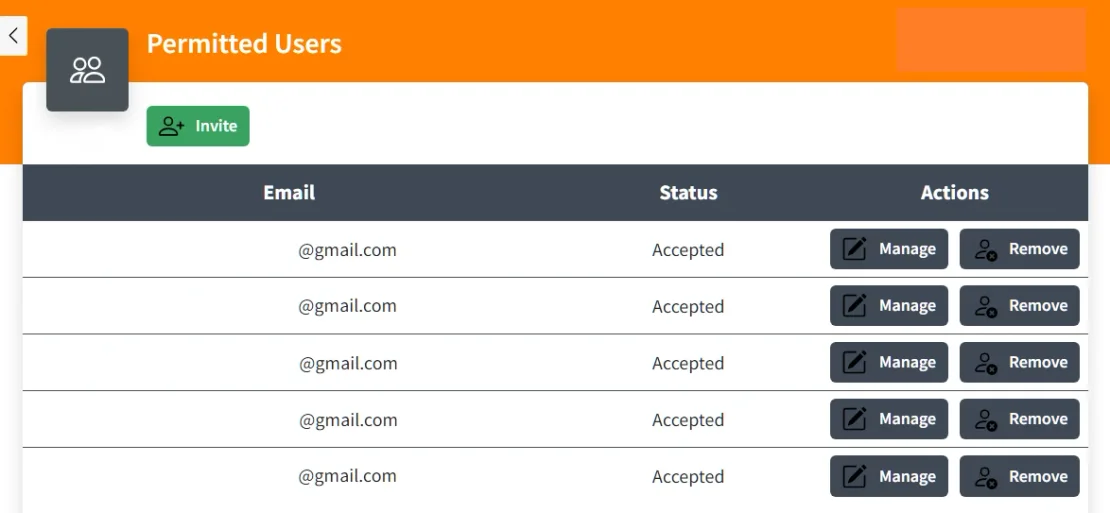
Enhanced team access management.
Preserve workflow integrity and protect your business information with Shopkeeper.
Grant team members secure access to your Shopkeeper account and customize permissions to precisely fit each user's role.
Everything with a single, easy click!
Tired of chaotic workflows and unsecured data?
It’s time you enjoy efficient, secure collaboration the Shopkeeper way!
Invite users by email.
Experience seamless collaboration with Shopkeeper by simply adding a user’s email address to grant access to your Shopkeeper account.
An invitation will be sent, and once accepted, the status changes from "pending" to "accepted." You can also resent or revoke invitations while they are pending, all made uncomplicated by Shopkeeper.
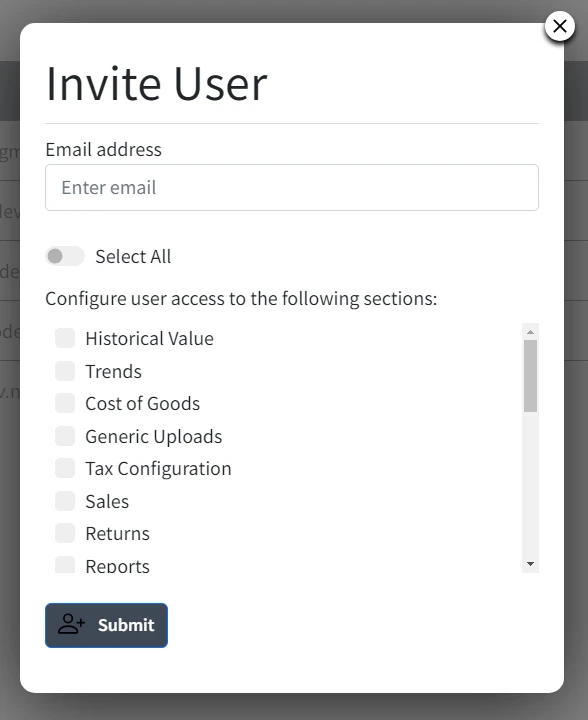
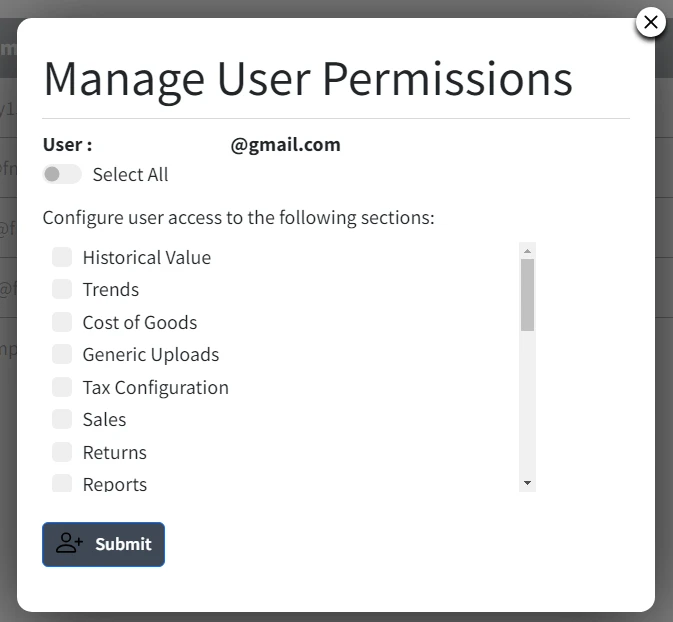
Configure user access.
Effortlessly manage user access and fine-tune what secondary users can view through Shopkeeper.
Customize permissions to align with roles, ensuring precise control over data visibility.
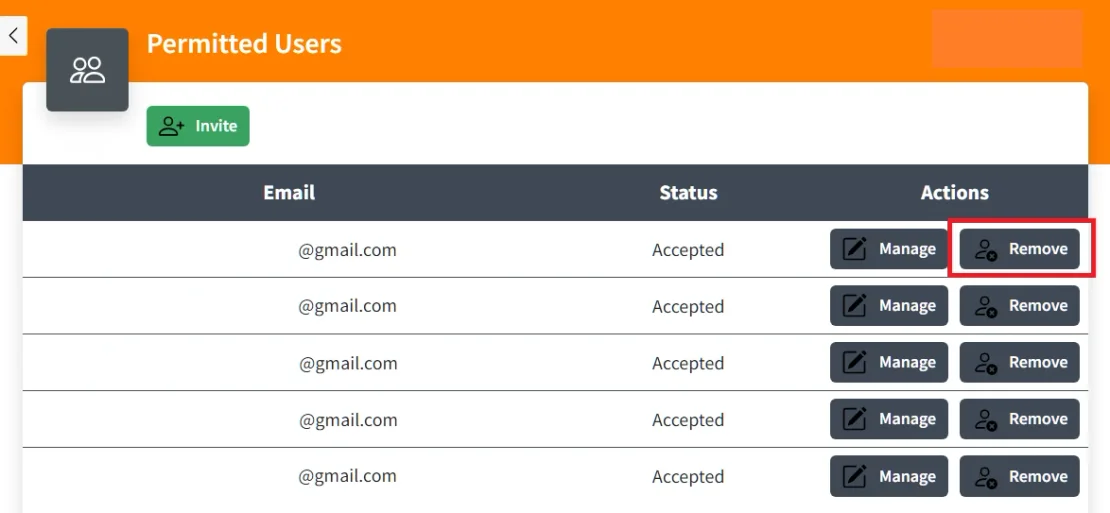
Effortlessly remove user access.
With just one click, easily revoke a user's access by clicking the "remove" button, ensuring optimized control over your account's permissions.

Client management for agencies.
Our sleek, user-friendly interface displays a comprehensive list of clients, each with a convenient login option.
Optimize client management and increase your agency’s productivity with Shopkeeper!
No credit card required.